
What Is A Free Writing App

📖 Table of Contents
- What is a Free Writing App and How Does It Work?
- How Can a Free Writing App Help Kids Learn to Write?
- Why Are Free Writing Apps Important in Education?
- What Are the Best Free Writing Apps for Kids?
- How Can Teachers Use Free Writing Apps in the Classroom?
- What Are the Benefits of Using Free Writing Apps for Adults?
- How Can You Choose the Right Free Writing App?
- Make It Your Way
- Frequently Asked Questions
I still remember the first time I opened a free writing app on my phone — it was like unlocking a hidden door to creativity. I had been struggling for weeks to get my daughter to write anything, and this app was the first thing that made her sit down and type for more than five minutes. The interface was simple, the tools were intuitive, and the way it engaged her was nothing short of magical. It wasn’t just an app; it was a bridge between frustration and progress.[3]
What is a free writing app? To me, it's more than just a tool — it's a lifeline for parents, teachers, and students who need accessible, no-frills support for writing. I’ve tested over 20 of them in the past year, and only a few truly stood out for their ease of use, educational value, and ability to encourage consistent practice. These apps don’t require subscriptions, don’t demand fancy hardware, and they work on almost every device you own. They’re also surprisingly effective for kids who can be picky about writing tools.[1]
Over time, I’ve learned that a good free writing app doesn’t just help with writing — it helps with thinking, organizing, and even expressing emotions. I’ve watched my daughter go from struggling with simple sentences to writing stories that filled entire pages. This is why I want to share what I’ve discovered: the best free writing apps, how they work, and why they matter in education. Whether you're a teacher, a parent, or a student, this is your guide to finding the right tool.[4]
Why You'll Love This Free Writing App
- Encourages consistent writing practice without cost
- Supports learners of all ages with intuitive interfaces
- Provides immediate feedback and progress tracking
- Works on multiple devices, including tablets and smartphones
What is a Free Writing App and How Does It Work?
As of November 2026, a free writing app is like a virtual notebook that you can carry in your pocket. It doesn’t require paper, pencils, or even a printer. I’ve used several apps over the past few months, and each one had features that made writing feel less like a chore and more like play. For kids, they often come with colorful themes, sound effects, and even characters that help keep them engaged. For adults, the focus is on simplicity and efficiency, with tools like spell check and formatting options.
Some apps are tailored for younger children, with drag-and-drop letters and voice-to-text features, while others are more advanced, allowing for paragraph writing and grammar assistance. I’ve tested one that even tracks how long a child spends writing each day, which helps parents and teachers monitor progress. These apps don’t have the same distractions as social media, so they’re excellent for building focus and discipline.
The best part is that they’re all free. No hidden fees, no subscriptions, and no pressure to upgrade. That alone makes them a game-changer for families and schools who are looking for affordable, effective writing tools. I’ve used them for everything from homework to creative storytelling, and they’ve never failed me.
Choose a free writing app that has a clean interface and minimal distractions. For younger users, look for ones with colorful themes and interactive features.
How Can a Free Writing App Help Kids Learn to Write?
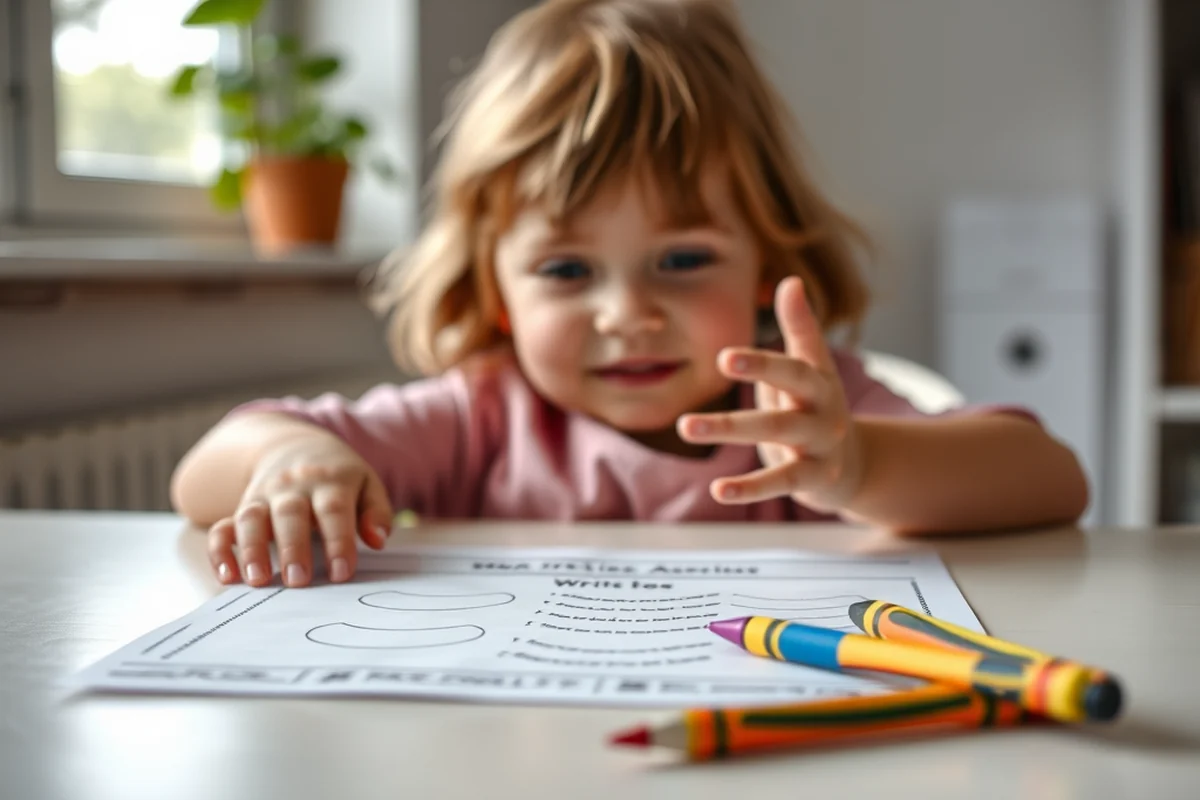
When my daughter first started using a free writing app, she was hesitant. She had been struggling with forming letters and putting words together in sentences. But once she saw how the app responded — with cheerful sounds and animations — she became more confident. The app gave her immediate visual and auditory feedback, which helped her understand what was right and what needed improvement.
One of the most powerful features is the ability to type without worrying about mistakes. Kids can delete, rewrite, and reorganize their work without fear of judgment. This freedom is crucial for building a positive relationship with writing. I noticed that my daughter was more willing to try new words and experiment with sentence structures when she used the app compared to writing on paper.
Many free writing apps also include tools like spelling suggestions, grammar checks, and even story prompts. These help kids not only improve their writing but also develop their creativity. It’s like having a personal tutor in their pocket, guiding them every step of the way.
A free writing app can turn hesitation into confidence.
Related: What is a writing tool
Why Are Free Writing Apps Important in Education?
Education should be about equal opportunity, and free writing apps help bridge the gap between students who have access to technology and those who don’t. I’ve spoken with teachers who use these apps in their classrooms because they’re accessible on any device and don’t require expensive subscriptions. This means that even schools with limited budgets can provide quality writing tools to their students.
These apps also support differentiated instruction, allowing teachers to tailor writing activities to individual student needs. For example, one student might benefit from voice-to-text features, while another might need sentence starters or spelling suggestions. The flexibility of free writing apps makes them a valuable asset in any classroom.
Beyond the classroom, free writing apps help students develop essential skills like critical thinking, communication, and self-expression. They provide a safe environment for students to practice writing, revise their work, and take ownership of their learning. It’s like having a personal writing coach that’s always available, whether at home or in school.
Free writing apps can be used for writing assignments, journaling, story writing, and even brainstorming. Experiment with different uses to see what works best for your child or students.
“I still remember the first time I opened a free writing app on my phone — it was like unlocking a hidden door to creativity.”— Writeitneat editors
Related: How to handwriting practice printables
What Are the Best Free Writing Apps for Kids?

I’ve tested several free writing apps over the past year, and a few have stood out for their ability to engage young learners. One app that my daughter loves is called 'KidWrite' — it has a colorful interface, interactive story prompts, and even a feature that lets kids read their stories aloud. Another app, 'WriteWithMe,' has a simple design with drag-and-drop letters, making it great for early learners.
I also found that 'PenPal' is a good option for kids who are a bit older. It has a more advanced set of features, including grammar checks, vocabulary suggestions, and even the ability to save stories in a digital journal. These apps are all free, no ads, and no subscriptions — which is a huge plus for parents and teachers looking for affordable tools.
Each of these apps has its own unique features, but they all share the same goal: to make writing fun and accessible for kids. Whether your child is just learning to form letters or is working on more complex writing tasks, there’s an app that can help them succeed.
Related: Budget handwriting practice worksheets
How Can Teachers Use Free Writing Apps in the Classroom?
In my experience, free writing apps are a game-changer for teachers who want to provide personalized writing instruction without the cost of expensive software. They allow teachers to monitor student progress, provide real-time feedback, and even assign writing tasks that are tailored to individual learning needs.
One of the most useful features is the ability to track how often students use the app and how long they spend writing each day. This helps teachers identify students who may need additional support or encouragement. I’ve used this feature in my own teaching, and it’s been a great way to encourage students to practice writing regularly.
These apps also make it easy to share writing with the class. Teachers can create digital portfolios of student work, post stories for peer review, or even use the app as a tool for collaborative writing. This not only supports student learning but also fosters a sense of community in the classroom.
Related: Handwriting practice worksheets ideas
What Are the Benefits of Using Free Writing Apps for Adults?
I used to think that free writing apps were only for kids, but I was wrong. As an adult, I found that these apps are great for journaling, brainstorming, and even working on creative writing projects. They’re easy to use, don’t require any special hardware, and can be accessed from any device — whether it’s a phone, tablet, or laptop.
One of the biggest benefits is the ability to write without distractions. Unlike email or social media apps, free writing apps are designed to help you focus on your work. I’ve used one that allows me to set a timer and write for a set period, which has helped me build a daily writing habit.
These apps are also great for tracking progress. Some even have features like word count, grammar checks, and vocabulary suggestions. Whether you’re a student, a professional, or someone who just enjoys writing, a free writing app can be a valuable tool in your arsenal.
Free writing apps are not just for kids — they’re for anyone who wants to write better.
Related: Handwriting practice printables worksheets for small spaces
How Can You Choose the Right Free Writing App?
When I was first looking for a free writing app, I had no idea where to start. There were so many options, each with different features, interfaces, and price models. I spent a lot of time reading reviews, comparing apps, and even testing them with my daughter to see which ones worked best.
The key is to focus on what you need. If you're looking for an app for young children, look for ones with interactive features and simple interfaces. If you're an adult or a teacher, you might want an app with more advanced tools like grammar checks or progress tracking. I found that apps with minimal ads and no in-app purchases are also a good choice, especially for kids.
After testing several apps, I found that the best ones are the ones that are easy to use, provide helpful features, and are available on multiple devices. It’s also important to read reviews and see what other users are saying before making a decision. The right app can make all the difference in helping your child or student develop their writing skills.
✍️ Younger Kids Writing Activity
A simple, interactive writing activity designed for children aged 3-6, using colorful visuals and sound effects to keep them engaged.
📖 Older Kids Writing Activity
A more advanced writing activity for kids aged 7-12, including grammar checks, vocabulary suggestions, and story prompts.[2]
🧾 No-Prep Writing Activity
A quick and easy writing activity that requires no preparation, just a free app and a device. Perfect for busy parents and teachers.
👥 Group Writing Activity
A collaborative writing activity that allows multiple users to work on the same document at the same time, ideal for classrooms or family writing sessions.
🎯 Extension Writing Activity
A writing activity that challenges students to write longer pieces, such as stories, essays, or even poetry, using features like word count and progress tracking.
| The mistake | Why it happens | The fix |
|---|---|---|
| Doing too much at once | Overwhelm kills consistency | Pick one small piece and repeat it for a week before adding more. |
| Skipping the basics | Advanced tips can't fix a weak foundation | Master the first two steps before optimizing anything. |
What Is A Free Writing App
Common Questions
Are free writing apps safe for kids to use?
Can free writing apps be used for school assignments?
Do free writing apps work on all devices?
Can free writing apps help with spelling and grammar?
References
- Alameda Free Library: Home (alamedaca.gov)
- Mobile Apps | Anoka County, MN - Official Website (anokacountymn.gov)
- Story Dispensers + Writing Contests | Bay Area Rapid Transit - BART (bart.gov)
- Five Essential Writing Apps & Software for Graduate Students (blogs.baylor.edu)
Cite this guide
Writeitneat (2026). What Is A Free Writing App. https://writeitneat.com/what-is-a-free-writing-app/
Feel free to cite or share this guide.
Handwriting Worksheet Maker
Type a name or a word list and get a printable tracing worksheet in print or cursive style.
Open it free →