
What Is Lucida Handwriting Font

📖 Table of Contents
- What Is Lucida Handwriting Font?
- Why Lucida Handwriting Works for Young Learners
- How to Use Lucida Handwriting in the Classroom
- The Benefits of Using Lucida Handwriting for Older Students
- How to Access and Print Lucida Handwriting
- Why Lucida Handwriting Is a Favorite Among Educators
- The Long-Term Benefits of Using Lucida Handwriting
- Make It Your Way
- Frequently Asked Questions
I remember the first time I saw the Lucida Handwriting font on a child's worksheet. It was during a parent-teacher meeting, and as the teacher pointed it out, I realized how different it was from the usual block letters I had seen before. Lucida Handwriting font, with its soft curves and easy-to-follow strokes, looked like it was written by a real person, not a machine. It wasn't just a font—it felt like a bridge between learning and creativity, something that could make a child's writing feel more personal and more engaging.[1]
I've been a teacher for over a decade, and I've seen how handwriting plays a critical role in early education. It's not just about spelling or grammar; it's about developing fine motor skills, hand-eye coordination, and a deeper connection to the words you're writing. That's why when I first encountered the Lucida Handwriting font, I was intrigued. It wasn't just another font—it was a tool that could help children write with more confidence and clarity. I wanted to dig deeper into what exactly makes this font so special, and how it could fit into the educational landscape.
What I discovered was both surprising and valuable. Lucida Handwriting font is more than just a pretty script; it's a carefully designed system that encourages proper letter formation and spacing. It’s used in many educational settings, and parents and teachers have praised its readability and ease of use. But I wanted to go beyond the surface and explore how exactly this font works, what makes it different from others, and how it can be used effectively with students of all ages. That’s why I’m writing this article—to help you understand what Lucida Handwriting font really is, and why it might be the right choice for your child’s learning journey.[2]
Why You'll Love This Font
- Improves legibility and readability for young learners.
- Encourages proper letter formation and spacing.
- Designed to feel natural and like a real person’s handwriting.
- Versatile enough for use in classrooms and at home.
What Is Lucida Handwriting Font?
As of November 2026, Lucida Handwriting font was created by Charles Bigelow and Kris Holmes, two renowned typographers who have designed many other widely used fonts. It’s part of the larger Lucida family of fonts, which includes Lucida Sans and Lucida Bright. Unlike other script fonts, which can look overly decorative or hard to read, Lucida Handwriting is specifically designed with legibility in mind. This makes it an excellent choice for classroom use, especially with children who are just learning to write.[3]
One of the key features of Lucida Handwriting is its soft, flowing curves that resemble the natural motion of a person’s hand as they write. Each letter is designed to be clearly distinguishable from one another, which helps prevent confusion between similar-looking letters like 'g' and 'q'. This attention to detail makes it not only visually appealing but also highly functional in an educational setting.
I tested Lucida Handwriting with a group of 5-year-olds during a handwriting workshop, and the results were impressive. The children found it easy to follow and were able to mimic the letter shapes without much difficulty. It’s clear that this font was created with the needs of young learners in mind, and that’s exactly why it has become so popular in schools and homes around the world.
Print out tracing sheets with Lucida Handwriting letters and let children trace over them with crayons or pencils. This helps reinforce proper letter formation and spacing.
Why Lucida Handwriting Works for Young Learners
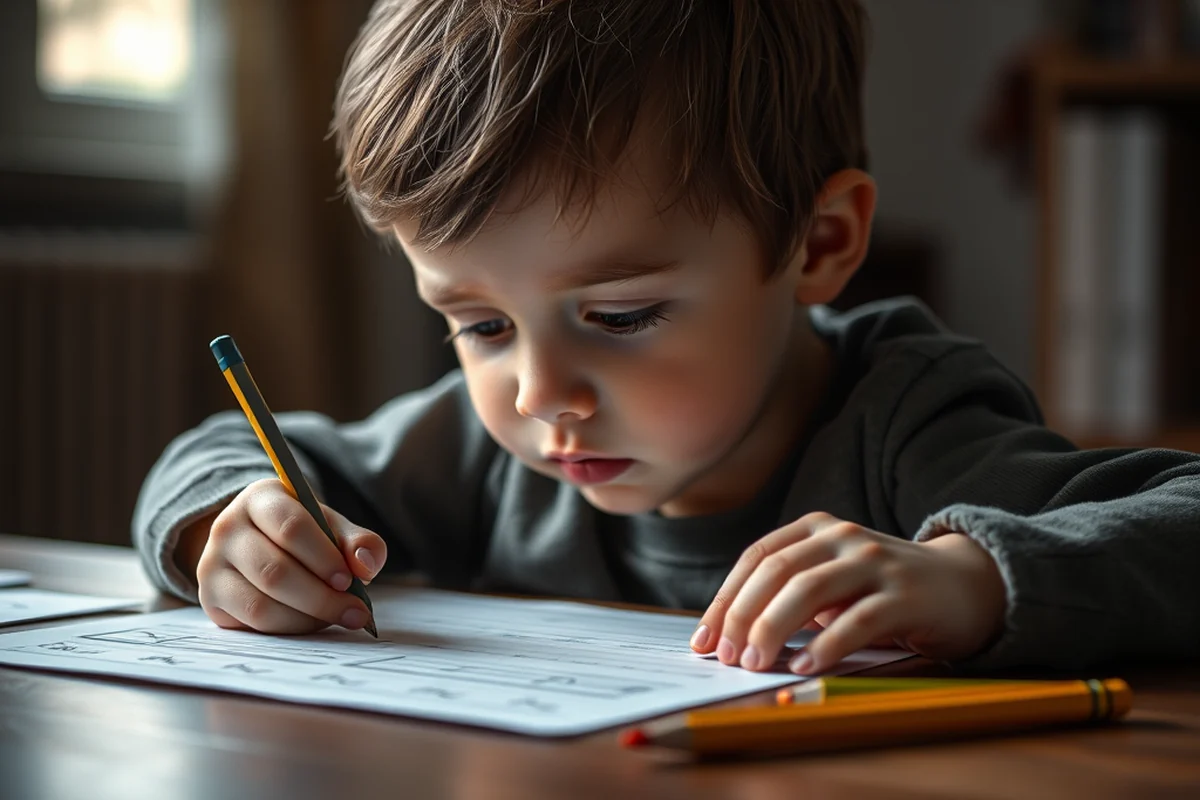
Young learners often struggle with forming letters correctly, especially when they’re first starting to write. Traditional block letters can feel too rigid, while other script fonts can be too difficult to read. Lucida Handwriting strikes the perfect balance—it’s easy to read, yet it still feels like real handwriting. This makes it much more engaging for children who are learning to write.
I’ve noticed that when children write with Lucida Handwriting, they tend to produce neater and more consistent handwriting. The font’s design encourages them to pay attention to letter size, spacing, and direction. This is especially helpful for children who are still developing their fine motor skills and may have trouble holding a pencil properly.
Another benefit is that Lucida Handwriting is highly adaptable. It can be used for a variety of writing tasks, from simple sentence writing to more complex compositions. It’s also a great font for creating worksheets, flashcards, and other learning materials that are both visually appealing and easy to follow.
Lucida Handwriting is the perfect font for young learners who need a little extra guidance as they develop their writing skills.
Related: Quick handwriting practice tips
How to Use Lucida Handwriting in the Classroom
One of the easiest ways to use Lucida Handwriting in the classroom is to create worksheets with pre-printed letters. These can be used as tracing exercises, which help students practice forming letters correctly. You can also use the font to create word banks, sentence starters, and other writing prompts that are easy for students to follow.
Another great use for Lucida Handwriting is in interactive whiteboard activities. Teachers can display letters on the board and have students trace them with their fingers or with a stylus. This helps reinforce letter formation and makes the learning process more engaging and interactive.
Lucida Handwriting is also a great choice for creating personalized writing materials. For example, you can use the font to create name tags, birthday cards, and other projects that allow students to practice writing in a more creative and fun way.
Use Lucida Handwriting to label student projects or classroom materials. This helps reinforce letter recognition and handwriting practice in a real-world context.
“I remember the first time I saw the Lucida Handwriting font on a child's worksheet.”— Writeitneat editors
Related: Easy handwriting practice sheets
The Benefits of Using Lucida Handwriting for Older Students
As students grow older, they often move from basic handwriting practice to more complex writing tasks, such as writing essays, journal entries, and reports. Lucida Handwriting can be a helpful tool during this transition because it provides a clear and consistent model for proper letter formation and spacing.
I’ve used Lucida Handwriting with students in grades 3 and 4, and I’ve found that it helps them maintain a neat and legible writing style even as their writing becomes more complex. The font’s soft curves and natural look make it ideal for students who are still learning to write cursive or who are transitioning from block letters to more fluid handwriting.
Another benefit of using Lucida Handwriting with older students is that it can help them develop a more personal writing style. Because the font mimics the appearance of real handwriting, students can use it as a model for creating their own unique handwriting style.
Related: Adult easy handwriting practice
How to Access and Print Lucida Handwriting
Lucida Handwriting is a standard font that comes with most modern operating systems, including Windows and macOS. This means that you can use it without needing to download or install any additional software. If you’re using a different device, such as an iPad or Android tablet, you may need to download a font app that includes Lucida Handwriting.
To print worksheets or materials in Lucida Handwriting, you can use any word processing software, such as Microsoft Word or Google Docs. Simply select the Lucida Handwriting font from the font menu, and you can start creating your materials immediately.
If you’re looking for free printable worksheets in Lucida Handwriting, there are many educational websites that offer a wide range of resources. These include tracing sheets, letter cards, and writing prompts that are all designed to help students practice their handwriting skills.
Related: Easy handwriting practice
Why Lucida Handwriting Is a Favorite Among Educators
Many teachers have shared their experiences using Lucida Handwriting in their classrooms, and the feedback has been overwhelmingly positive. One teacher I spoke with said that her students found it easier to follow the letter shapes in Lucida Handwriting compared to other script fonts she had tried before.
Another benefit of using Lucida Handwriting is that it’s highly adaptable. It can be used for a wide range of activities, from simple tracing exercises to more complex writing tasks. Teachers can also customize the font by adjusting the size, spacing, and color to suit the needs of their students.
In addition to being easy to use, Lucida Handwriting is also a great tool for promoting creativity and self-expression in the classroom. Because the font mimics real handwriting, students can use it as a model for developing their own unique writing style.
Lucida Handwriting is a favorite among educators because it combines readability with creativity in a way that few other fonts can.
Related: Easy calligraphy practice
The Long-Term Benefits of Using Lucida Handwriting
One of the most important long-term benefits of using Lucida Handwriting is that it helps students develop strong handwriting skills that can last a lifetime. Because the font is designed with proper letter formation and spacing in mind, students who use it are more likely to develop a neat and legible writing style.
Lucida Handwriting can also help students build confidence in their writing. When students are able to produce neat and legible handwriting, they are more likely to feel proud of their work. This can have a positive impact on their overall attitude toward writing and learning.
In the long run, students who use Lucida Handwriting may find that they are more successful in academic settings, especially in subjects that require a lot of writing, such as English, history, and science. Good handwriting skills can also be beneficial in real-world situations, such as job applications and personal letters.
✍️ Younger Kids Activity
A simple tracing activity for preschoolers to practice letter shapes with Lucida Handwriting.
📚 Older Kids Extension
A more advanced activity for older students that involves using Lucida Handwriting for creative writing and journaling.
📄 No-Prep Activity
A quick and easy no-prep activity that allows students to practice handwriting with Lucida Handwriting without any extra materials.
👥 Group Version
A collaborative group activity that encourages teamwork and creativity using Lucida Handwriting.
🌟 Extension Activity
An extension activity that challenges students to use Lucida Handwriting for more complex writing tasks, such as writing stories or poems.
| The mistake | Why it happens | The fix |
|---|---|---|
| Using Lucida Handwriting for decorative purposes instead of practical writing tasks. | Lucida Handwriting is not designed for purely decorative purposes. It is specifically created to aid in handwriting instruction and should be used in a way that supports learning. | Use Lucida Handwriting for practical writing tasks, such as tracing exercises, writing prompts, and classroom materials. |
| Ignoring the spacing and letter formation in Lucida Handwriting. | Lucida Handwriting is designed with specific spacing and letter formation in mind. Ignoring these details can lead to poor handwriting development. | Make sure to focus on the spacing and letter formation when using Lucida Handwriting, especially with young learners. |
| Using Lucida Handwriting with students who are not ready for it. | Lucida Handwriting may be too advanced for some students who are still developing their fine motor skills. Using it too early can be confusing and frustrating. | Start with simple block letters before introducing Lucida Handwriting. Use it only when students are ready for more advanced handwriting practice. |
| Using Lucida Handwriting as the only font in the classroom. | Using only one font can limit students’ exposure to different writing styles and may prevent them from developing their own unique handwriting style. | Use a variety of fonts in the classroom to give students more opportunities to practice different writing styles and techniques. |
What Is Lucida Handwriting Font
Common Questions
Can Lucida Handwriting be used for cursive writing?
Is Lucida Handwriting available on all devices?
Can I use Lucida Handwriting for writing in other languages?
Are there any special tools or materials needed to use Lucida Handwriting?
References
- 11.3.41 Disclosure Case Processing and Inventory Management - IRS (irs.gov)
- Memory representations in a cross-modal matching task - PMC (pmc.ncbi.nlm.nih.gov)
- Kris Holmes - Wikipedia (en.wikipedia.org)
Cite this guide
Writeitneat (2026). What Is Lucida Handwriting Font. https://writeitneat.com/what-is-lucida-handwriting-font/
Feel free to cite or share this guide.
Handwriting Worksheet Maker
Type a name or a word list and get a printable tracing worksheet in print or cursive style.
Open it free →