
What Is a Digital Writing Pad and How Does It Work?

📖 Table of Contents
- What Exactly Is a Digital Writing Pad?
- How Do These Pads Help with Learning?
- What Makes a Good Digital Writing Pad?
- How Can Parents and Teachers Get Started?
- What Age Groups Benefit Most?
- Are These Pads Beneficial in the Long Run?
- How Do You Make the Most of These Pads?
- Make It Your Way
- Frequently Asked Questions
There’s something magical about the moment a child’s hand first grips a stylus, eyes locked on a blank screen, and begins to draw, write, or explore. I remember my daughter, at age four, trying to write her name on a tablet for the first time. Her eyes lit up when the letters appeared, crisp and perfect, just like they were printed on paper. That was my first real introduction to the world of digital writing pads — a tool that seemed to bridge the gap between the tactile joy of writing by hand and the limitless possibilities of technology.
Digital writing pads are not just another gadget for kids. They're an interactive learning tool that has quietly transformed the way we teach and learn. I’ve used them in my classroom for years, and they’ve made a difference. From letter formation to math problems, these pads provide instant feedback and keep students engaged in ways traditional paper never could. The best part? They’re adaptable to every age and learning style.
If you’re new to this concept, you might be asking, 'What is a digital writing pad?' It's a device that mimics the feel of paper but uses a screen and a stylus to let users write, draw, or interact with educational content. I’ve tested several models with my students and my own kids. I can tell you — they’re not just fun, they’re powerful tools that help build fundamental skills in a way that's both engaging and effective.
Why You'll Love This Digital Writing Pad
- Encourages fine motor skills and hand-eye coordination in a fun way
- Provides instant feedback to learners, helping them correct mistakes as they go
- Offers interactive learning that keeps kids engaged and motivated
- Can be customized for different ages and learning levels
What Exactly Is a Digital Writing Pad?
As of November 2026, at its core, a digital writing pad is a tablet or a specialized device with a screen and a stylus. It mimics the experience of writing on paper but with the added benefits of technology. I’ve used these in my classroom with children as young as three, and the response has always been positive. The feel of the stylus against the screen is close enough to real writing to be familiar, yet modern enough to spark curiosity.
These pads often come with educational apps that provide prompts, interactive exercises, and even real-time feedback. For example, one app I used with my students had a feature that corrected letter formation as the child wrote. This kind of instant correction is something traditional paper can't offer. It’s not just about writing — it’s about learning.
The beauty of a digital writing pad is that it can be tailored to the child’s needs. Whether they’re learning the alphabet, practicing math problems, or writing their first sentences, the content can be adjusted. I’ve seen a child who struggled with writing improve significantly after using a digital pad with customized exercises.
I recommend beginning with a couple of apps that focus on letter formation and basic math. This helps children build confidence without feeling overwhelmed.[1]
How Do These Pads Help with Learning?
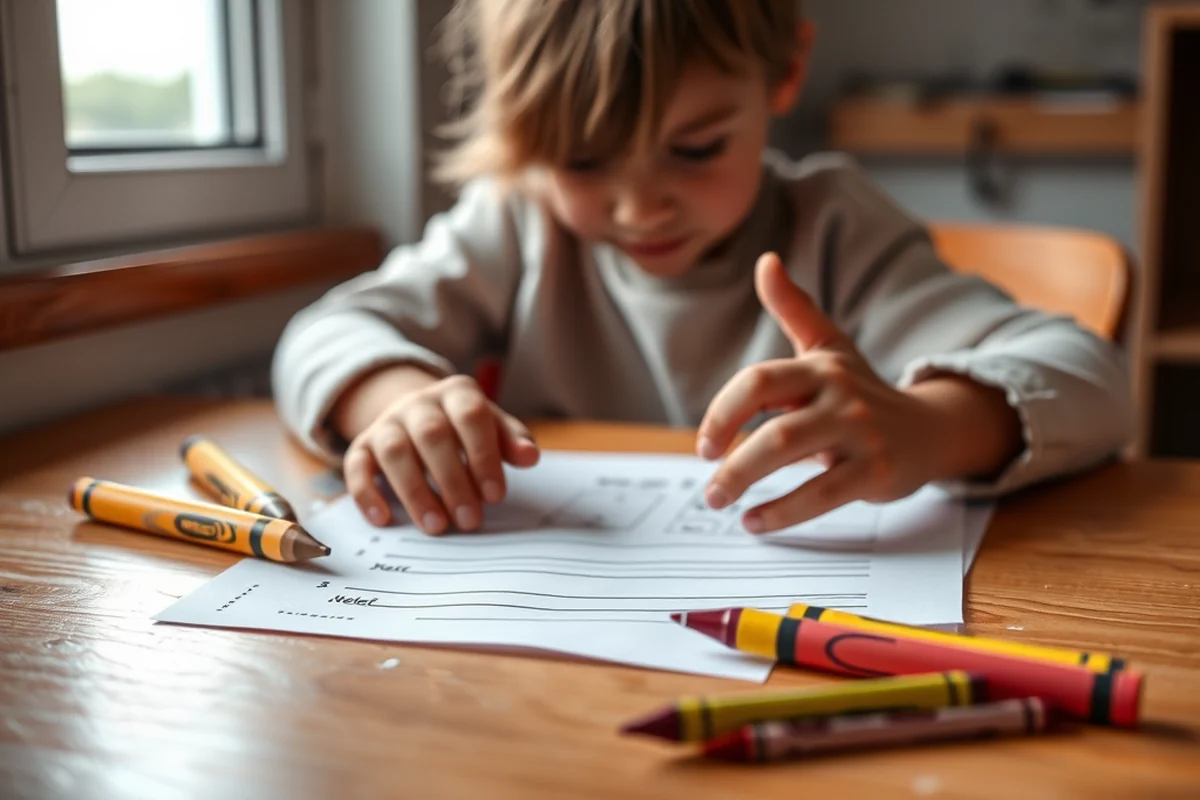
One of the biggest advantages of digital writing pads is their ability to make learning interactive. I remember a time when my student, who was struggling with writing letters, started to write on the pad and immediately saw corrections on the screen. It was a breakthrough moment for him. That kind of instant feedback is powerful for young learners.
These pads also help build fine motor skills, which are crucial for writing by hand. The pressure-sensitive styluses can detect how hard a child presses, and some apps even guide them through proper grip and posture. This is something traditional paper can’t do. I’ve seen children improve their writing posture just by using these pads.
Another benefit is that these devices can track progress. For example, I once used a digital pad with an app that recorded how many times a student wrote a specific letter correctly. It was a great way to monitor improvement over time and adjust the lessons accordingly.
Interactive learning makes all the difference.
Related: Best handwriting practice printables worksheets
What Makes a Good Digital Writing Pad?
Not all digital writing pads are created equal. I’ve tested several over the years, and the ones that worked best had a high-resolution screen and a stylus that felt like a real pen. The responsiveness of the screen is key — a laggy pad can be frustrating for kids and discourage them from using it.
Durability is another important factor. In a classroom setting, where the device might be passed around, a rugged case and a scratch-resistant screen can make a big difference. I once had a pad that cracked after one drop — not ideal for a school environment.
Compatibility with educational apps is also crucial. I recommend looking for a pad that works with well-known platforms or that allows you to download a variety of learning apps. This ensures that the tool can grow with the child and adapt to different learning needs.[2]
Pressure-sensitive styluses can detect how hard a child presses, which helps with proper writing posture and technique.
“There’s something magical about the moment a child’s hand first grips a stylus, eyes locked on a blank screen, and begins to draw, write, or…”— Writeitneat editors
Related: Handwriting practice printables ideas
How Can Parents and Teachers Get Started?
Starting with a digital writing pad doesn’t have to be expensive. I’ve used free apps that come with basic writing exercises and have seen great results. The key is to find a pad that’s compatible with these apps and has a good stylus.
One of the easiest ways to begin is by downloading a few free educational apps. I recommend starting with those focused on letter formation, handwriting, or basic math. These apps often have a variety of activities and can be customized for different ages.
I also recommend involving the child in the process. Letting them choose the app or the activity can make them more engaged and excited about learning. It’s a small step, but it can have a big impact on their motivation.
Related: Best handwriting practice worksheets
What Age Groups Benefit Most?
While these pads are often marketed for young children, I’ve seen them used successfully with older students as well. In my classroom, I used them with kids who were learning to write in cursive and found that the immediate feedback helped them improve their handwriting significantly.
For the youngest learners, these pads are great for developing fine motor skills and letter recognition. The interactive nature of the apps helps keep them engaged for longer periods. I’ve noticed that children who are usually distracted by traditional paper tasks are more focused on the digital pad.
Even older students who are learning to write in different languages or practicing cursive can benefit from the structured approach of these pads. I once had a student who was struggling with cursive writing — using the digital pad helped him build confidence and improve his overall writing skills.
Related: Handwriting practice printables worksheets guide
Are These Pads Beneficial in the Long Run?
I’ve seen the effects of using digital writing pads over time — not just in the classroom, but in my own home as well. My daughter, who used one regularly as a child, is now in high school and still has strong handwriting skills. It’s not just about the immediate benefits — it’s about building a foundation that lasts.
These pads also help with learning styles. Some kids are visual learners, and the instant feedback and color-coded corrections on the screen help them understand concepts more quickly. I’ve seen kids who struggled with spelling improve simply by seeing their mistakes highlighted in real time.
Another long-term benefit is that these pads can be used for a variety of subjects. From math problems to creative writing, the versatility of these devices makes them a valuable tool for years to come.
The benefits of using a digital writing pad can last a lifetime.
Related: Diy handwriting practice printables worksheets
How Do You Make the Most of These Pads?
Consistency is key with using a digital writing pad. I’ve found that setting aside time each day for writing activities helps reinforce learning and build habits. Even ten minutes a day can make a difference over time.
Pairing the digital experience with real-world writing is also important. I encourage my students to write on paper after using the pad to help them transition from the screen to the page. It’s a way to build muscle memory and fine motor skills.
I also like to use the pad for creative writing. It allows kids to explore their imagination and express themselves in ways they might not be able to on paper. It’s a great tool for developing both academic and creative skills.
✍️ Younger Kids Writing Pad
A version tailored for children ages 3-6, with simple apps and large, colorful letters to encourage early writing skills.
📚 Older Kids Writing Pad
Designed for children 7-12, with more advanced activities and apps focused on reading, writing, and math.
🪄 No-Prep Writing Pad
A ready-to-use device that requires no setup, perfect for parents and teachers who want to jump right into activities without any hassle.
👥 Group Writing Pad
A version ideal for classroom use, allowing multiple children to take turns and collaborate on shared activities.
🧠 Extension Writing Pad
A device with advanced features and apps for older students or those who need extra support with handwriting and language skills.
| The mistake | Why it happens | The fix |
|---|---|---|
| Using a digital writing pad without pairing it with real-world writing. | This can lead to poor handwriting skills and a lack of fine motor development. | Always follow up digital writing sessions with time spent writing on paper to build muscle memory and hand-eye coordination. |
| Choosing a pad that isn’t pressure-sensitive. | A non-sensitive stylus can lead to poor grip and incorrect letter formation. | Opt for a pad with a pressure-sensitive stylus to help your child develop proper writing posture and technique. |
| Not using the pad consistently. | Inconsistent use can limit the benefits and prevent the child from building strong writing habits. | Set aside time each day for writing activities using the pad to reinforce learning and build consistency. |
| Ignoring the child’s interest in the activity. | If the child isn’t engaged, they may not benefit from the experience and may lose interest quickly. | Let the child choose the apps or activities they enjoy, which can increase their motivation and participation. |
What Is Digital Writing Pad
Common Questions
Can a digital writing pad replace traditional paper writing?
Are these pads suitable for all ages?
Do I need to buy special apps for a digital writing pad?
Can these pads be used for subjects other than writing?
References
- Montana Early Learning Standards: A Developmental Continuum for ... (dphhs.mt.gov)
- Digital Tools for Teaching Writing, Part 1: Writing as Process (academictech.uchicago.edu)
Cite this guide
Writeitneat (2026). What Is a Digital Writing Pad and How Does It Work?. https://writeitneat.com/what-is-digital-writing-pad/
Feel free to cite or share this guide.
Handwriting Worksheet Maker
Type a name or a word list and get a printable tracing worksheet in print or cursive style.
Open it free →